

Key Takeaways
A replacement ECU may need more than a physical installation to work correctly. The right next step depends on the vehicle, the replacement unit, and any security or relearning procedures involved.
- Check whether the ECU needs software programming, configuration, or module pairing.
- Confirm part numbers and hardware compatibility before beginning.
- Use a stable power supply and the correct vehicle-specific procedure.
- Verify communication, warning lights, and required relearns after programming.
- Stop and seek qualified help if programming fails or faults persist.
What ECU reprogramming involves
ECU reprogramming after replacement means loading or configuring software so the replacement control unit can operate with the vehicle. The exact work varies: one vehicle may need a software calibration, while another may also require identification or security information to be matched. A new unit is not automatically ready just because its connectors fit. The service information for the specific vehicle is the best guide to what is actually required.
How programming differs from resetting or relearning
Programming installs or configures software in a control module. A reset is different: it clears certain stored or learned information, but it does not install the correct software in a replacement ECU. Relearning is a further process in which the vehicle adapts certain settings after a repair or reset. The distinction matters because a reset cannot correct an incompatible calibration or missing module pairing. For a related overview of when ECU programming is needed, consider whether the replacement or a documented update calls for programming before paying for work that may not apply.
What data and settings the replacement ECU may need
Depending on the vehicle, a replacement unit may need a software calibration, vehicle identification information, configuration for the vehicle’s equipment, or pairing with security-related modules. These are separate tasks, even when they are completed during one service visit. The table below shows common categories without implying every vehicle needs each one.
| Item | What it may address | Why it matters |
|---|---|---|
| Software calibration | The ECU’s operating software | The replacement must use a suitable version |
| Vehicle configuration | Equipment or vehicle-specific settings | Incorrect configuration may affect system operation |
| Identification data | Vehicle identity stored by a module | Some procedures require the unit to match the vehicle |
| Security pairing | Communication with immobilizer or related modules | The engine may not start if pairing is incomplete |
A technician should establish which items apply using the vehicle’s service information, rather than assuming the entire list is needed. A reset or relearn may still be required afterward, but it does not replace these setup steps.
Why vehicle-specific procedures matter
The same ECU part can be used in different configurations, and requirements can vary by make, model, year, engine, and installed equipment. Even among vehicles from one manufacturer, a procedure may call for different software or security steps. Compatibility is just as dependent on the exact equipment in other vehicle systems; for example, EV drivers can consult an EV charging compatibility guide when matching a vehicle to charging options. For an ECU, use the service procedure for the vehicle in front of you, not a generalized sequence found for a different model.
How to tell whether your replacement ECU needs programming
A replacement ECU may need programming if it arrives blank, has different stored information, or cannot communicate as expected with the vehicle. Other signs can include a no-start condition, a security warning, or diagnostic faults involving module communication. These symptoms do not prove that programming is the cause; wiring, power, grounds, or a defective part can create similar problems. Check the supplier’s information and the service procedure before drawing a conclusion.
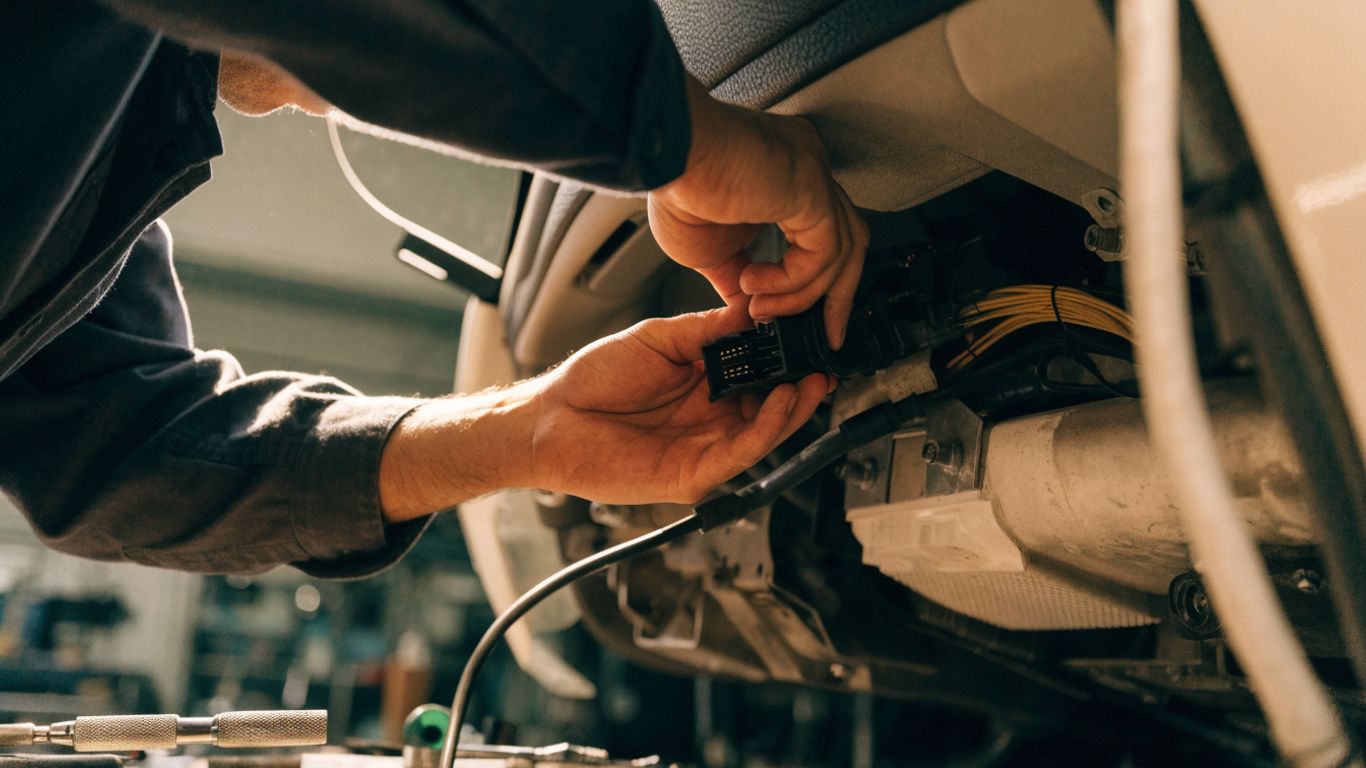
Signs the ECU is not communicating with other modules
A scan tool may show that the ECU is not responding, or that other modules cannot exchange expected information with it. A warning light or no-start condition can accompany these faults, but neither is specific to a programming problem. Start by checking battery condition, connectors, fuses, and grounds, then read the relevant diagnostic trouble codes. If dashboard warnings are part of the concern, a guide to engine warning lights can help explain why the light alone does not identify the failed component.
When a plug-and-play replacement may work
A replacement may work without additional programming if it is correctly matched and already configured for that vehicle, but “plug-and-play” depends on the unit and the application. The phrase should not be treated as a universal promise: security pairing, software compatibility, or relearns may still be needed. Ask the supplier what the unit’s description includes and whether any steps remain after installation. If the engine starts, that is encouraging, but it does not by itself confirm every system is functioning correctly.
How the vehicle’s make, model, and year affect requirements
Requirements can change between model years and between trim or engine configurations, even when vehicle names look similar. That is why the VIN and the exact ECU number are useful when checking fitment. Differences in installed options may also affect how a replacement is configured. Confirm the exact application instead of relying only on a broad model-family match.
What to confirm with the parts supplier or service manual
Before installation, clarify what the replacement includes and what work remains. A short set of questions can prevent a mismatch between the part supplied and the procedure the vehicle needs:
- Does the ECU match the original part number and hardware configuration?
- Is it supplied with a vehicle-specific calibration or configuration?
- Are immobilizer pairing, key programming, or relearns still required?
- What diagnostic or programming procedure does the service information specify?
The answers should be specific to the vehicle and replacement unit, not a general assurance that the connector fits. If the replacement is described as preprogrammed, confirm exactly what that means and whether installation still requires a scan tool or security procedure.
What to check before programming
Preparation reduces the chance of interrupting the procedure or programming the wrong unit. Confirm fitment, collect vehicle details, and note existing fault codes before changing module information. It is also worth checking whether the original problem was caused by something outside the ECU, such as a power or wiring fault. For a practical comparison, proper preparation also matters in other installations, such as indoor MUGA floor preparation, where the condition of the surface is checked before work proceeds.
Match the ECU part number and hardware configuration
Compare the replacement’s part number with the original and with the supplier’s fitment information. Check any documented supersession or hardware variation rather than assuming that a similar-looking unit is interchangeable. The vehicle’s engine, transmission, market, and equipment can affect compatibility. If the numbers differ, get confirmation from a reliable parts reference or service source before programming.
Verify battery voltage and diagnostic trouble codes
Programming can be disrupted if vehicle voltage drops, so follow the manufacturer’s instructions for maintaining power throughout the procedure. Scan for codes before beginning and save the results; these can help distinguish faults that existed before the replacement from those that appear afterward. Repair evident power-supply or communication problems first. A programming session should not be used as a substitute for diagnosis.
Gather vehicle identification and security information
Have the VIN, ECU part details, and any required security credentials or access information ready. The exact information depends on the vehicle and the tools being used. Do not guess at security steps or use instructions intended for another application. If the required access information is unavailable, arrange the procedure with a qualified service provider before starting.
Check for immobilizer, key, or module-pairing requirements
Some replacements need to be paired with the immobilizer, keys, or related modules before the vehicle will start or operate normally. The order of operations can matter, so find out whether these procedures occur before or after software installation. Do not assume that a new ECU automatically recognizes existing keys. The service manual or programming tool should identify the required sequence.
Ways to reprogram a replacement ECU
The available route depends on the vehicle’s programming requirements, the tools at hand, and whether security access is needed. Some work can be completed with suitable manufacturer-level equipment, while other procedures are best handled by an authorized or suitably equipped repair facility. A supplier may also offer a preprogrammed or mail-in option, but the scope should be clear. Choose the method that matches the documented procedure rather than the one that sounds quickest.
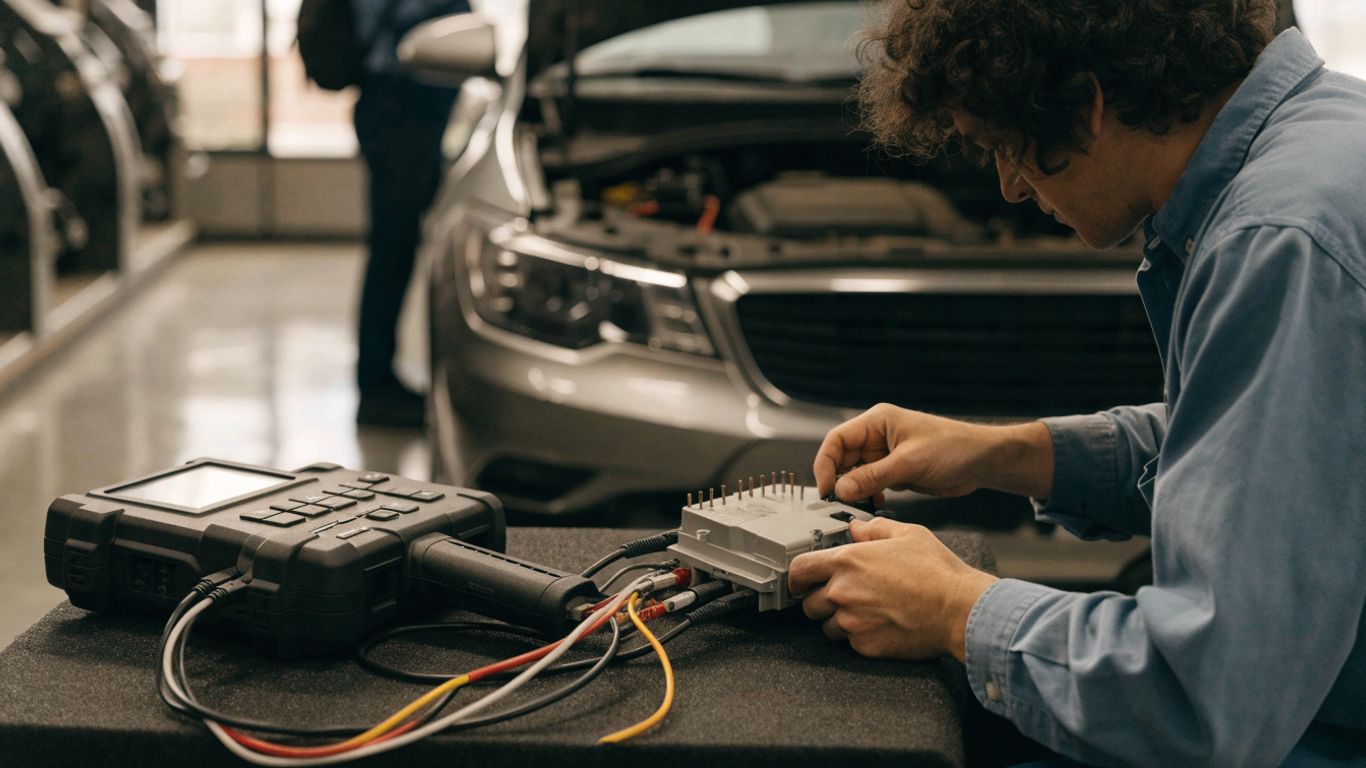
Using a manufacturer-level scan tool
A manufacturer-level scan tool can provide vehicle-specific programming or configuration functions when the tool, software, and access are appropriate for that vehicle. It may guide the technician through software installation, module setup, or security pairing. The exact functions differ by application, so check the tool’s coverage and the service procedure in advance. A scan tool does not make an incompatible ECU compatible.
Programming through an authorized repair facility
A qualified repair facility can verify fitment, use appropriate programming equipment, and follow the required security steps. This route can be useful when the procedure requires restricted access or specialized equipment. Before booking, confirm that the facility can program the specific replacement ECU for the vehicle’s make, model, and year. Bring the part details and any diagnostic results so the technician can assess the issue more efficiently.
Considering a mail-in or preprogrammed replacement
A mail-in service or preprogrammed replacement may be an option, but first establish what information the provider needs and exactly what work is included. Ask whether the unit is configured for the VIN and vehicle equipment, and whether immobilizer pairing or an in-vehicle setup remains necessary. A preprogrammed label does not necessarily mean the ECU is ready to install without further steps. Keep the original unit until the replacement has been tested, if practical.
Why generic code readers may not be enough
Basic code readers are useful for retrieving some diagnostic trouble codes, but they may not offer ECU programming, configuration, or security functions. Clearing a code is not the same as writing a calibration or pairing a module. Check the capabilities of the specific device and its coverage for the vehicle. If the required function is unavailable, use appropriate equipment or arrange professional assistance.
What happens during the programming process
The precise sequence varies by vehicle, but programming generally involves connecting suitable equipment, selecting the correct procedure, and allowing the module to complete its setup without interruption. The technician may also need to configure or pair the ECU with related systems. These steps should follow the service information and prompts from the programming tool. Avoid improvising if the displayed procedure differs from what was expected.
Connect the vehicle to a stable power supply
Follow the service procedure for maintaining stable voltage during programming. A weak battery or voltage interruption can stop a session and may leave the module in an incomplete state. The equipment and connection method should be appropriate for the vehicle and task. Planning the power supply matters in other settings too, as shown by guidance on planning event electrical power, though vehicle programming has its own equipment and safety requirements.
Install the correct software calibration
The calibration must be suitable for the vehicle and replacement hardware. The technician should verify the application before writing software, using the VIN, part information, and the specified programming method. A calibration intended for a different engine or equipment configuration may cause faults or prevent correct operation. Do not select a file based only on a similar model name.
Pair the ECU with immobilizer and related modules
If required, the ECU may need to be synchronized with the immobilizer, keys, or other vehicle modules. This is a distinct part of setup, not merely a software update. The sequence and security access requirements vary, so follow the prompts and service instructions for that application. If pairing fails, stop and verify the part and procedure instead of repeatedly attempting steps at random.
Follow prompts without interrupting the procedure
Once a programming session begins, follow each instruction and avoid disconnecting the tool, switching off the vehicle, or interrupting power unless the procedure specifically directs it. The tool may take time to complete a stage or restart a module. One interruption can leave the process incomplete, so wait for a clear completion message before moving on. If an error appears, record it and follow the stated recovery guidance.
How to verify the replacement ECU is working
A successful programming message is only one part of the check. Confirm that the ECU communicates with the vehicle, review faults, and verify that relevant functions behave as expected. Some vehicles also require idle adaptation or a drive cycle before learned values settle. If a fault remains, do not assume another programming attempt will fix it; the cause may be mechanical, electrical, or related to another module.
Clear codes and check for communication faults
After recording the initial scan results, clear codes only when the procedure allows it, then scan again to see which faults return. Confirm that the ECU and related modules respond to the scan tool. A recurring communication code deserves diagnosis rather than repeated clearing. Comparing the new scan with the saved pre-programming results can help identify what changed.
Complete required idle or drive-cycle relearns
Some vehicles require an idle relearn, a drive cycle, or another adaptation after module work. Follow the vehicle-specific instructions, since requirements and conditions differ. A relearn is not the same as programming, and its duration can vary; an overview of ECU relearning after a reset provides useful context for that distinction. Give the vehicle the specified conditions, then reassess it rather than assuming that a short idle period completes every procedure.
Confirm that warning lights and vehicle functions behave normally
Check that warning lights behave as expected and that the functions affected by the repair operate normally. Look for rough running, unexpected stalling, security warnings, or other symptoms during a cautious stationary check and, if appropriate, a controlled road test. Compare results with the original complaint and the service procedure. A dashboard light can have multiple causes, so interpret it alongside scan data rather than in isolation.
Know when to stop and seek professional diagnosis
Stop if the vehicle will not start, programming repeatedly fails, security pairing cannot be completed, or new faults appear that you cannot explain. Further attempts without confirming the cause can complicate diagnosis. A qualified technician can check power, wiring, compatibility, software, and module communication in a systematic order. Share the part numbers, fault codes, and steps already completed.
Conclusion
Replacing an ECU is only part of the job when the vehicle also needs software setup, security pairing, or relearning. Verify compatibility first, use the procedure and equipment specified for the vehicle, and confirm the repair with a fresh scan and functional checks. When the process does not go as expected, pause and diagnose the underlying issue rather than guessing at the next step.
Frequently Asked Questions
Does every replacement ECU need programming?
No. Requirements vary by vehicle and replacement unit. Some units may arrive configured for the application, while others need software installation, vehicle-specific setup, security pairing, or a combination of these.
Can I install a replacement ECU myself?
It depends on the vehicle, the equipment available, and the required security procedures. Physical installation may be straightforward, but programming or pairing can require specialized tools and vehicle-specific information.
Will a replacement ECU start the car before programming?
Sometimes, but not always. A vehicle may not start if the ECU is incompatible, unconfigured, or not paired with the immobilizer or related modules.
Is resetting the ECU the same as reprogramming it?
No. A reset clears certain stored information, while reprogramming installs or configures software. A reset cannot supply a missing calibration or correct an incompatible replacement unit.
How do I know whether the ECU part is compatible?
Compare the part number and hardware configuration with the original and verify fitment for the VIN, engine, model year, and equipment. If details differ, confirm the match with a reliable parts or service source before installation.
Can a generic code reader program a replacement ECU?
Many basic code readers retrieve diagnostic codes but do not provide ECU programming, configuration, or security functions. Check the device’s documented capabilities for the specific vehicle and procedure.
What should I do if programming fails?
Stop and note the tool’s error message. Check the specified power supply, part compatibility, security requirements, and procedure, then seek qualified diagnosis if the issue persists rather than repeatedly restarting the session.